

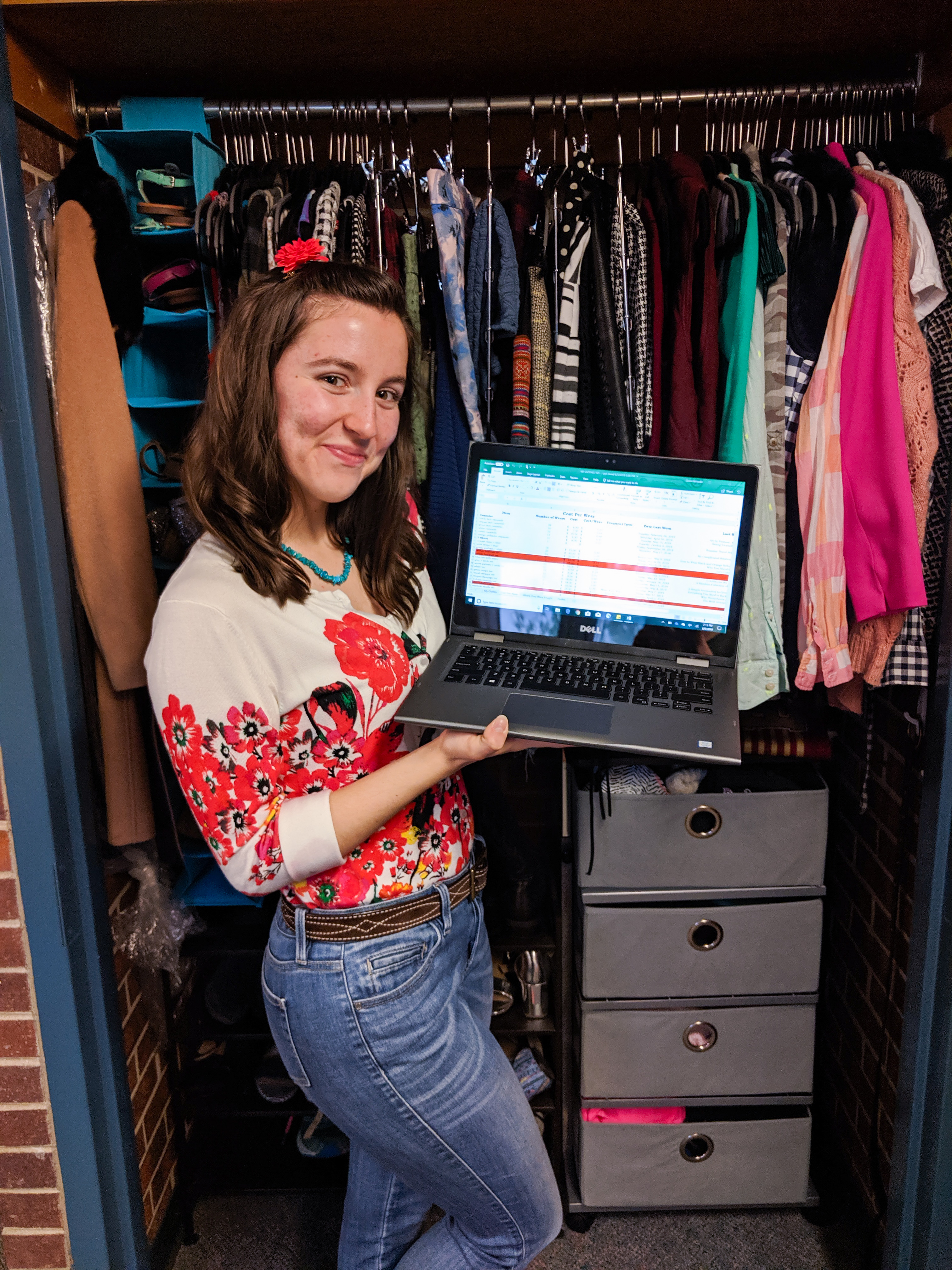

The secret is finally out…I have just *a bit* of an obsessive personality. So much so, in fact, that I keep meticulous records of all my clothing items and constantly evaluate a cost per wear analysis for each piece, saving it in a massive Excel spreadsheet. For me, I think of it as “My Clothing Log”, but my close friends refer to it as simply “The Spreadsheet” (and yes, you have to say it in a dramatic voice). I’ve been maintaining my Excel spreadsheet for close to four years now, and in that time I have logged every piece of clothing or accessory I’ve bought/received, how much the item cost, where it was from, and at least three ways to style it in an outfit. Yes, I admit I have a bit of an addiction…

So when did this all start? Well, let me just tell you…The year was 2014. It was my freshman year of high school, and every day I would attend fifth period in the computer lab for my basic computer skills class. It was there that I learned the beauty and joy that IS an Excel spreadsheet. I must have been an accountant in another life because writing formulas into spreadsheets made me smile like a lunatic (and they wonder why I wasn’t popular in high school…). I mean, you can’t deny how cool it is to type in a formula and see how it affects all the rest of the cells! I’m so nerdy!
Anyway, I don’t remember where I got the inspiration or why I started it, but at the end of that class, I created my very own spreadsheet, complete with long, complicated formulas and lots and lots of entries. And of course, it was all related to fashion! This was a year before I even started my fashion blog, but during this time, I had just received my first personal laptop (required by my high school), I spent all my spare time following fashion blogs, and I finally escaped the uniforms of grade/middle school. I imagine this—along with my totally geeky affinity for Excel—led to the creation of The Spreadsheet.


Not gonna lie—it took me a while to determine how and what I wanted to include in my data entry, and I spent hours sitting on the floor of my closet, going through all my clothes and entering each piece one by one. Again, obsessive. The first page on my sheet, while not involving formulas, simply lists all the items I have in my closet; it’s titled “My Clothes”. The pieces are separated into major categories, followed by many subcategories (I very distinctively remember just wanted an excuse to use the “Merge and Center” tool of Excel). You can read all the main categories below since only “Tops” is visible in the above image:
- Tops
- Bottoms
- Dresses
- Shoes
- Scarves
- Gloves
- Hats
- Sunglasses
- Belts
- Purses
Admittedly, I use this page the least, as it solely lists what I own. But if I’m trying to come up with an outfit and am curious what pants or something might go with a specific top, I’ll scroll through this page to jog my memory of what’s in my closet. I noticed I started using this page a lot more since coming to college, which makes sense given that I can’t see all my clothes at once (they’re all in various drawers or packed away).
The purple highlighted cells represent the clothes I brought with me to college, while the red highlighted cells are clothes I no longer own. I still keep them in my spreadsheet in case they ever resurface in a blog post and I need to know the price for some reason. I named each item in a descriptive enough way to know what piece I’m talking about, and I’m very careful to keep the naming consistent across the whole spreadsheet and throughout the various pages.
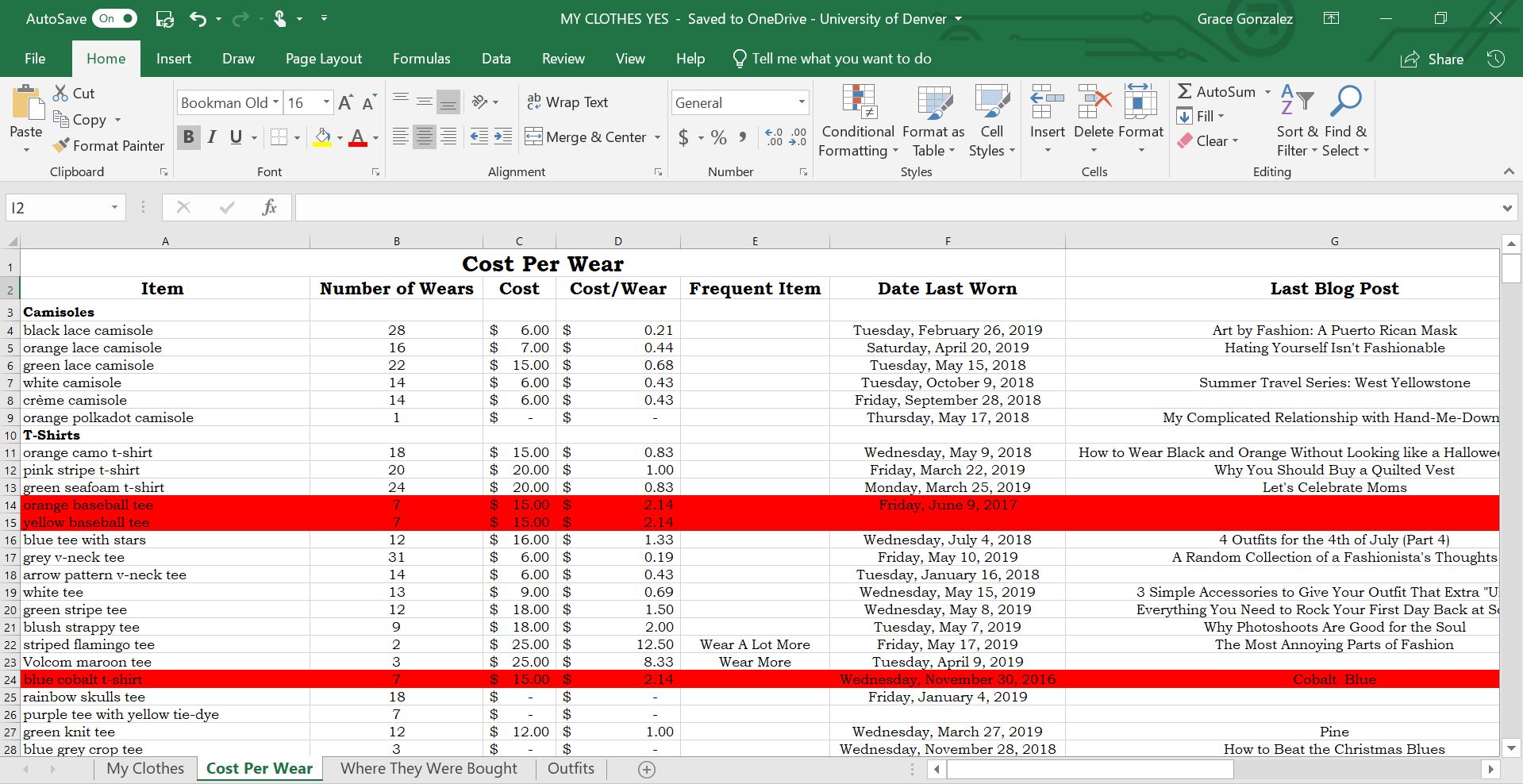


Now to the juicy stuff—my “Cost Per Wear” page! This is the page I use most often (almost every day) and that displays all the interesting data. As you can see, I separated the data into columns:
- The Item—Again, I’m careful to make sure the naming is consistent with the other sheets.
- Number of Wears—I only count an item as being “worn” if I wear it outside the house.
- Cost—How much I paid for the item. If the piece was a gift, I mark how much I think it would have cost. I leave the cost blank for hand-me-down pieces.
- Cost/Wear—This is some of the exciting stuff! I have a very simple formula (cost divided my number of wears) to determine the value I’m getting out of each of my pieces.
- Frequent Item—This is where the formulas get real crazy. The whole point of determining cost per wear is to know what pieces you need to wear more often in order to get your money’s worth. With that in mind, I created different categories to remind myself what items to style immediately, as seen and discussed in further detail below.
- Date Last Worn—I didn’t initially have this column when I created the spreadsheet, but I realized about a year in that it would also make sense to know when I last wore a piece. That way, even if my cost/wear for a lot of items is really good, I still know how to alternate the clothing in my closet to avoid wearing the same thing back-to-back.
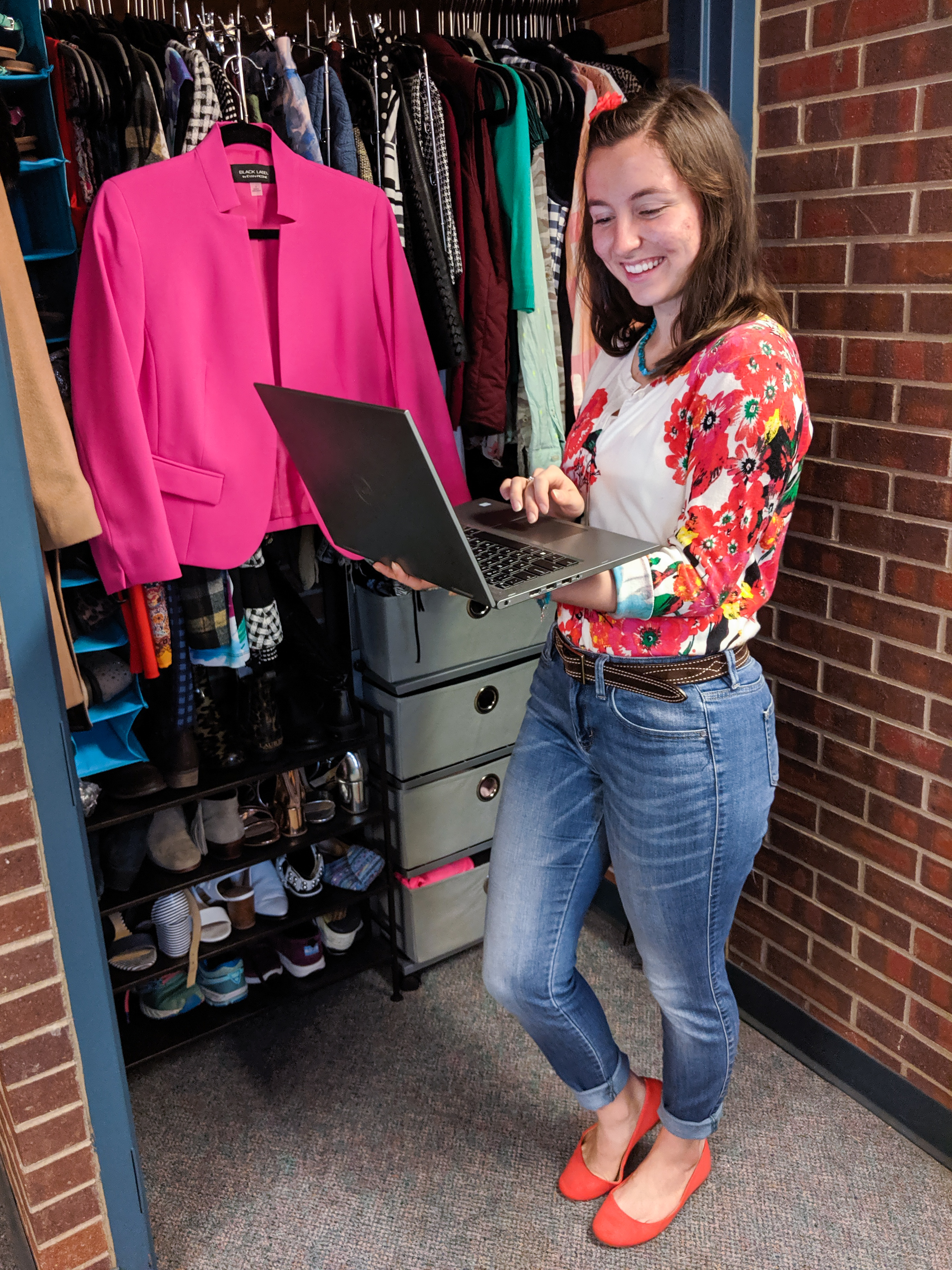
- Last Blog Post—When I started blogging, I added yet another column to mark the title of the last blog post in which the piece was featured. The reason I do this is so that I can link in my post where I last wore the item; the goal is to show y’all multiple ways to wear each piece! (And if you’re confused about what I mean here, scroll to the end of this post and click the links to see where I last wore this cardigan and pair of jeans.)
- Number of Times on the Blog—The newest addition, I recently added this column for my own personal records. Again, it helps give me a sense of what pieces I wear more often and, conversely, which items get neglected.
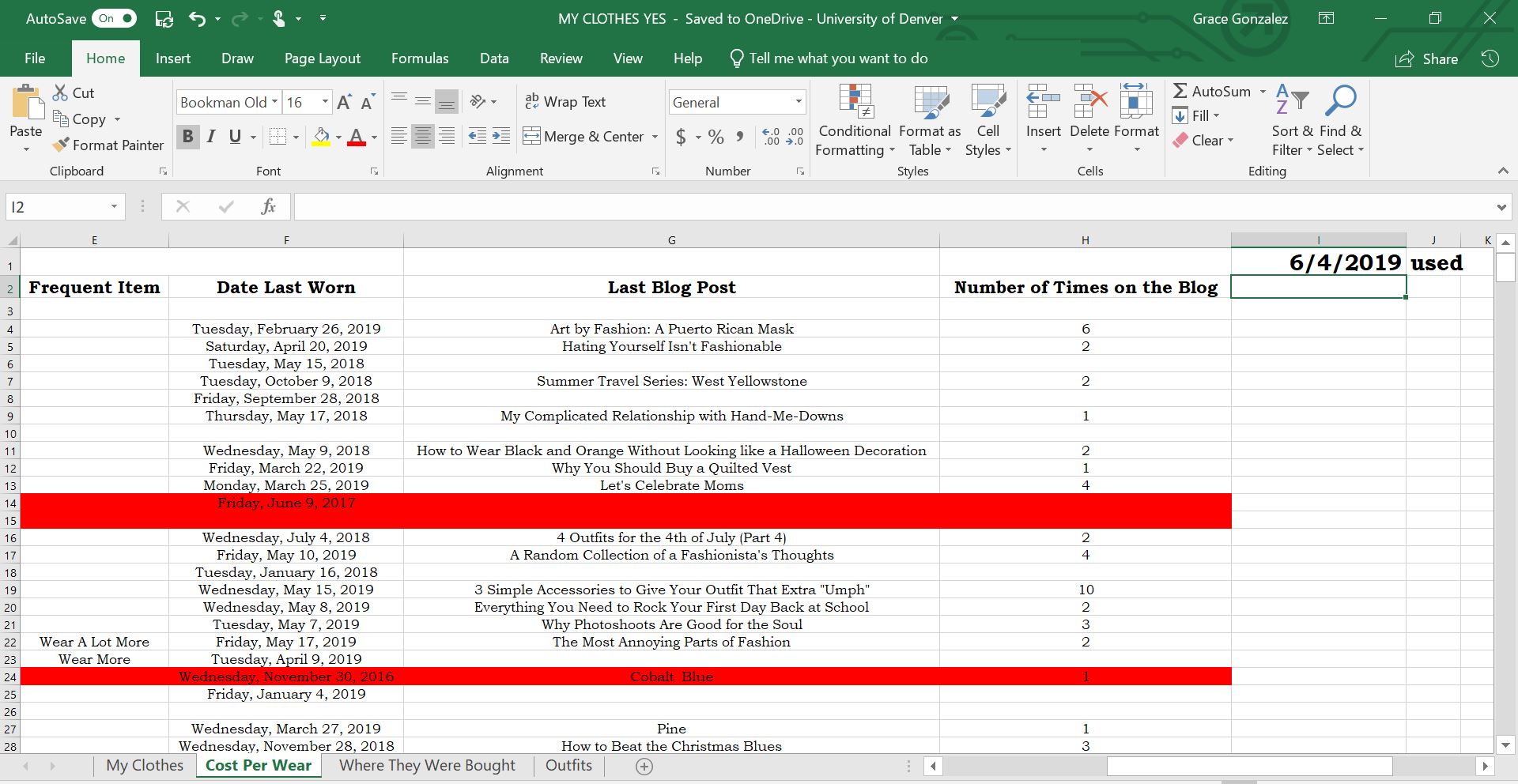

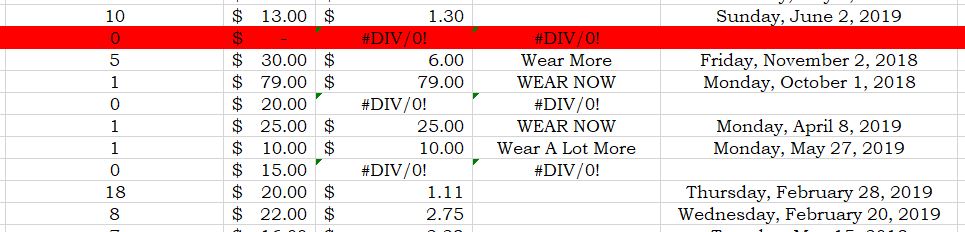
As I mentioned above, I created a very complex formula to fill the “Frequent Item” column. You can see all the categories in the photo below. If I have yet to wear a piece, the “Frequent Item” column shows up as #DIV/0!—this isn’t good because it means until I start wearing the piece, I’ve wasted money on it. The next worst category is “WEAR NOW”, and this means that the cost/wear is more than $15. I like to think that my Excel sheet is yelling at me to wear those items RIGHT AWAY. The next category is called “Wear a Lot More” and this is if the cost/wear is between $10 and $15. If the cost/wear is between $5 and $10, the category says “Wear More”. And finally, if I’m doing a really good job of getting my money’s worth and the cost/wear is less than $5, than the cell becomes blank. This shows me very clearly which items I need to be wearing more often to be most economical!

So now, to answer a few Frequently Asked Questions I receive from people who find out about my spreadsheet…
- How often do you update it? Ideally, I would update what I wear each day on the day I wear it. However, I usually end up entering my week’s worth of outfits some time during the weekends.
- How do you remember what you wore? Because I love fashion so much, my outfits equate to memories—I can remember exactly what I was doing on a particular day and then remember what I was wearing to that event. I usually need to look at my planner to jog my memory, but the process has become a lot easier since I started sharing my outfit of the days on Instagram. Sometimes if I really can’t remember, I’ll sift through my dirty clothes basket to see what’s there!
- Do you include athletic clothes, pajamas, etc.? No, I do not. I only include what I consider “fashionable clothes” that I would want to make cute outfits with or that I would share on the blog. That’s because I know with athletic clothes and t-shirts, I’m definitely getting my money’s worth from them since I change into them nearly everyday after school.
- When do you find the time to do this? For me, this is a hobby, and like any hobby, I make time for it because I enjoy it. The biggest time commitment comes from initially setting up the spreadsheet, but back in freshman year of high school before I started blogging, I had time to spare—clearly. And if I’m being super honest, I also tend to update my daily outfits during class lectures when I’m bored and teachers think I’m taking notes. Whoops! Hope my mom doesn’t read this (wink wink).
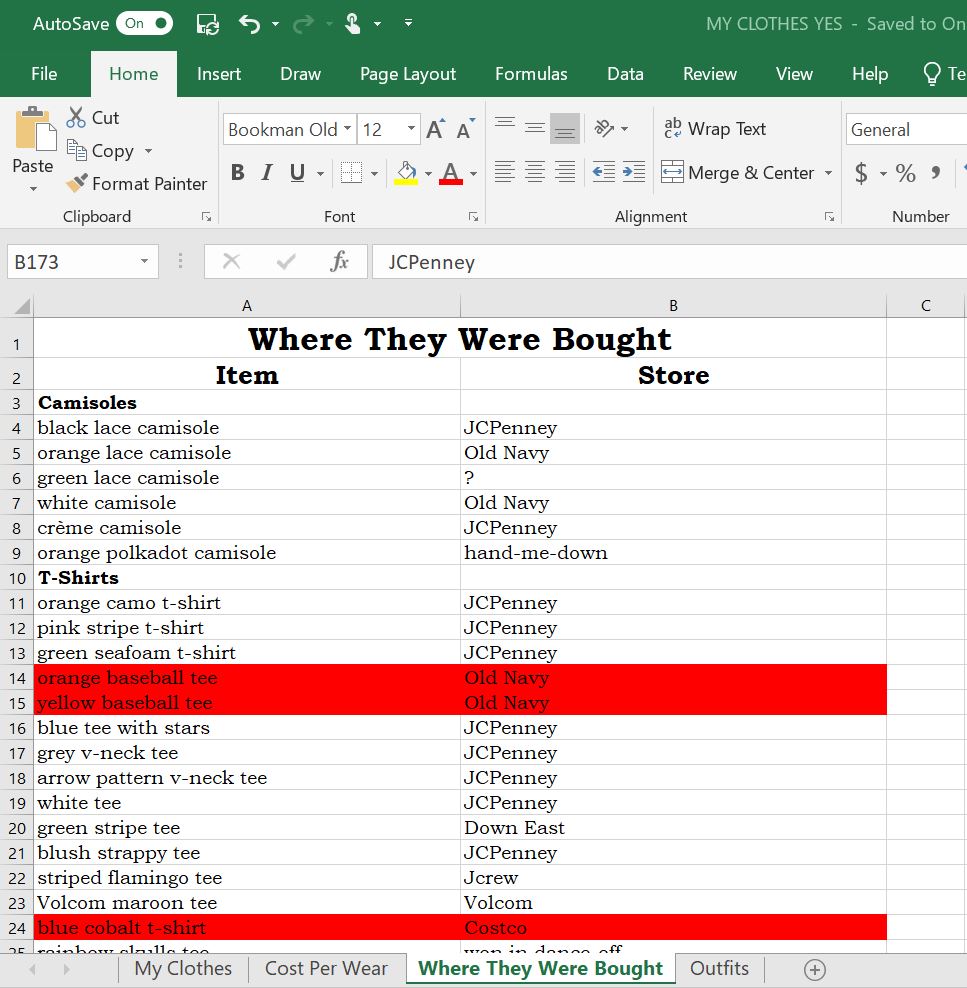

The third page on my spreadsheet just documents where each item is from. This is most useful for my blog, since I list where pieces were bought at the bottom of each post. However, I generally can remember without having to look it up.
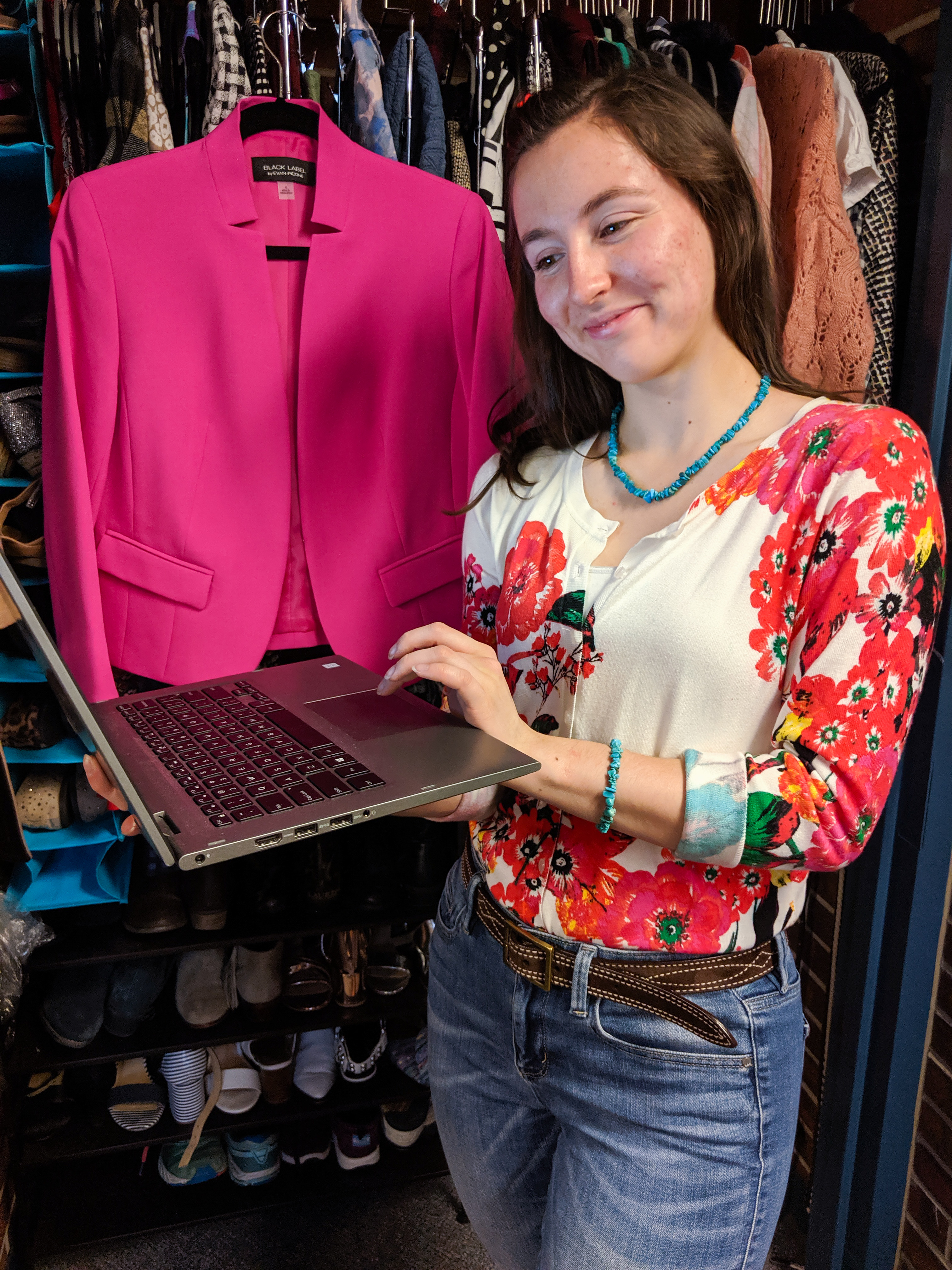


The final page of my spreadsheet is where I enter either outfits I want to wear in the future or outfits I’ve already worn. When I started Graceful Rags in 2016, there were two main cornerstones on which I wanted to focus: affordability (which has been emphasized throughout this post by my obsession for cost/wear) and practicality/versatility. I was annoyed that all the fashion bloggers I followed only wore pieces once before discarding them. That is not conducive to how most of us get dressed each morning! We have to wear the same pieces over and over again—and let’s face it, that can get boring.
Thus, the focus of my outfit page. Whenever a new item finds its way into my closet, I immediately brainstorm three outfits with which to wear it. Boom, instant versatility! That’s why you’ll rarely see me wear the exact same outfit a bunch of times. In addition, thinking about outfit creation makes me consider if an item will really work in my closet; if I can’t think of three things to pair it with while considering it in the store, then I won’t purchase it!
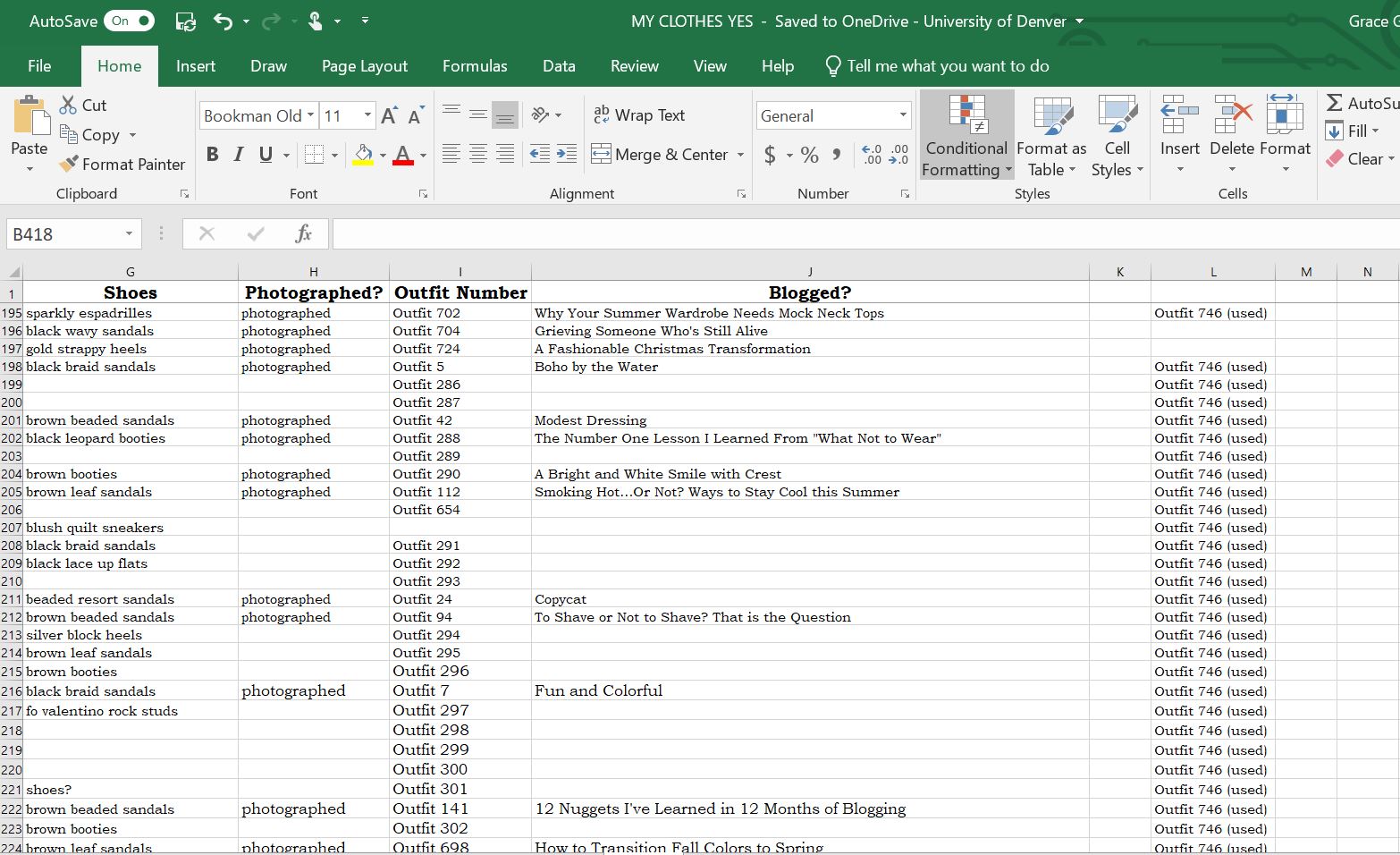

The categories for this page include:
- Top
- Bottom
- Layers
- Accessories
- Purses
- Jewelry
- Shoes
- Photographed—This is just a yes or no question that helps me determine which outfits I’ve already shot for the blog.
- Outfit Number—This is how I organize all my photos into folders on my laptop. Instead of trying to name outfits by the pieces, I just assign each outfit a number here and give the file folders the corresponding numbers.
- Blogged—This is where I write the title of the post that featured the outfit.
- The last column (which is the same number all the way down) just lets me know which number I left off at when naming the outfits. I’ve brainstormed more than 800 looks on this page!

Whew! I know that was a TON of information, and if you lasted this long, thanks so much for reading. In the past, I’ve always tried to keep this spreadsheet a secret. But after years of updating it during class time, the students sitting behind me grew curious and started asking questions, until a few friends (and even teachers) found out about my Excel baby. Now I’ve received a few questions from you all to see the infamous spreadsheet, so here we finally are! I hope it didn’t disappoint—or overwhelm.
Let me know your thoughts on my crazy clothing log below. 🙂 Have you ever dabbled in Excel formulas? Do you ever think about the cost per wear of your own clothing items? Have a fantastic weekend, girlies!
Miles of smiles,
Grace
P.S. If you want to see more about how I organize my closet, check out my dorm room tour!
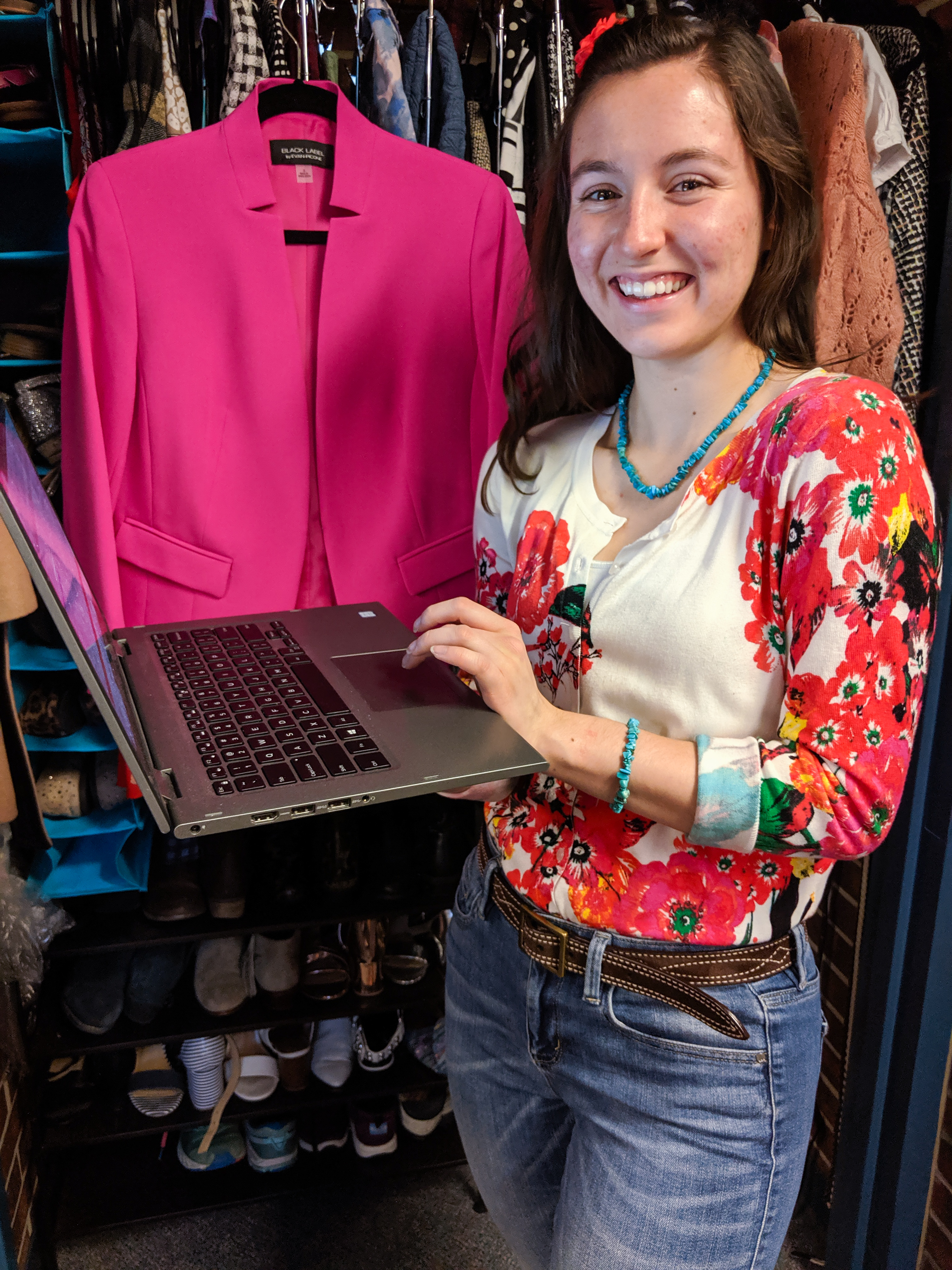
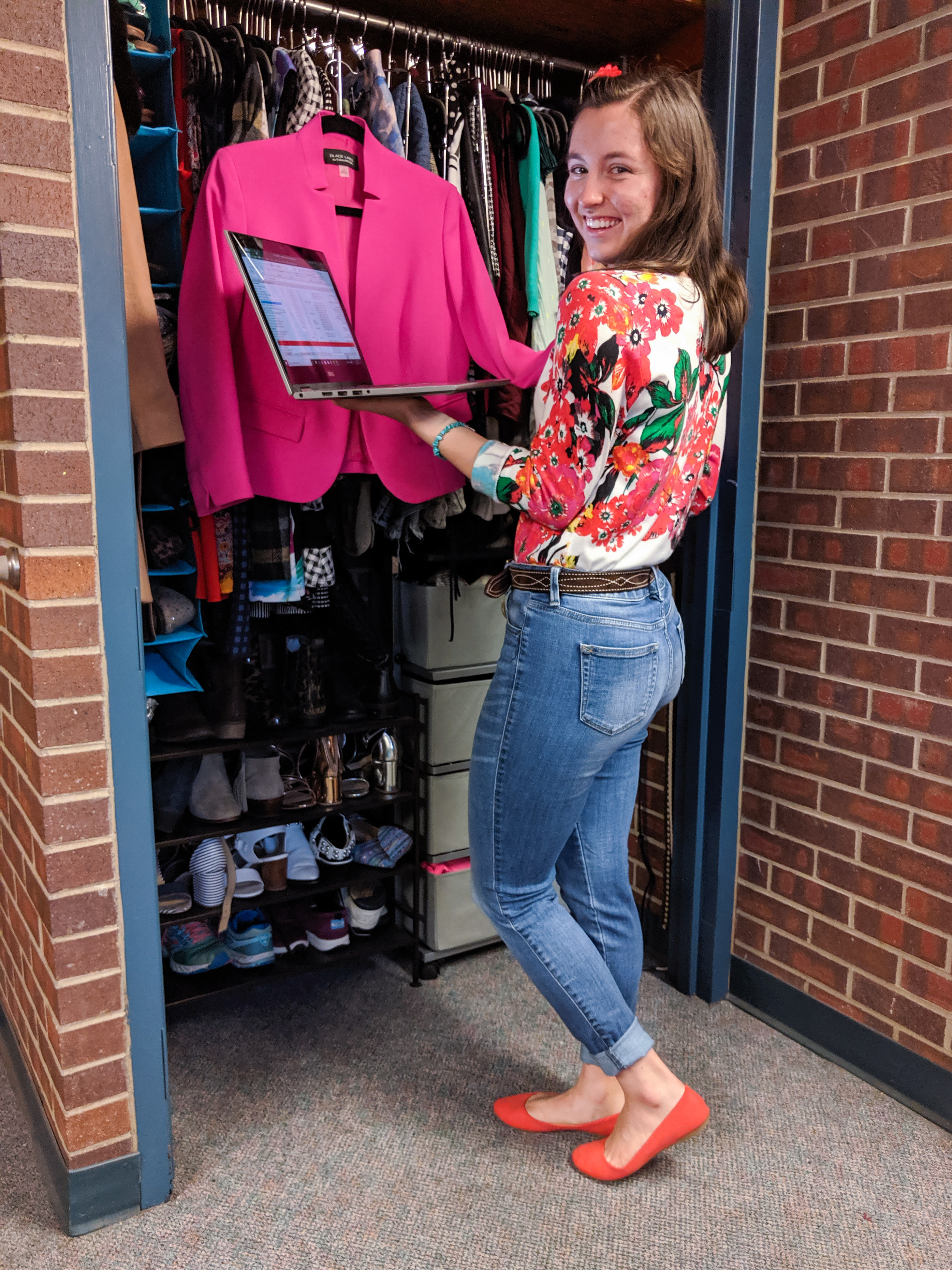
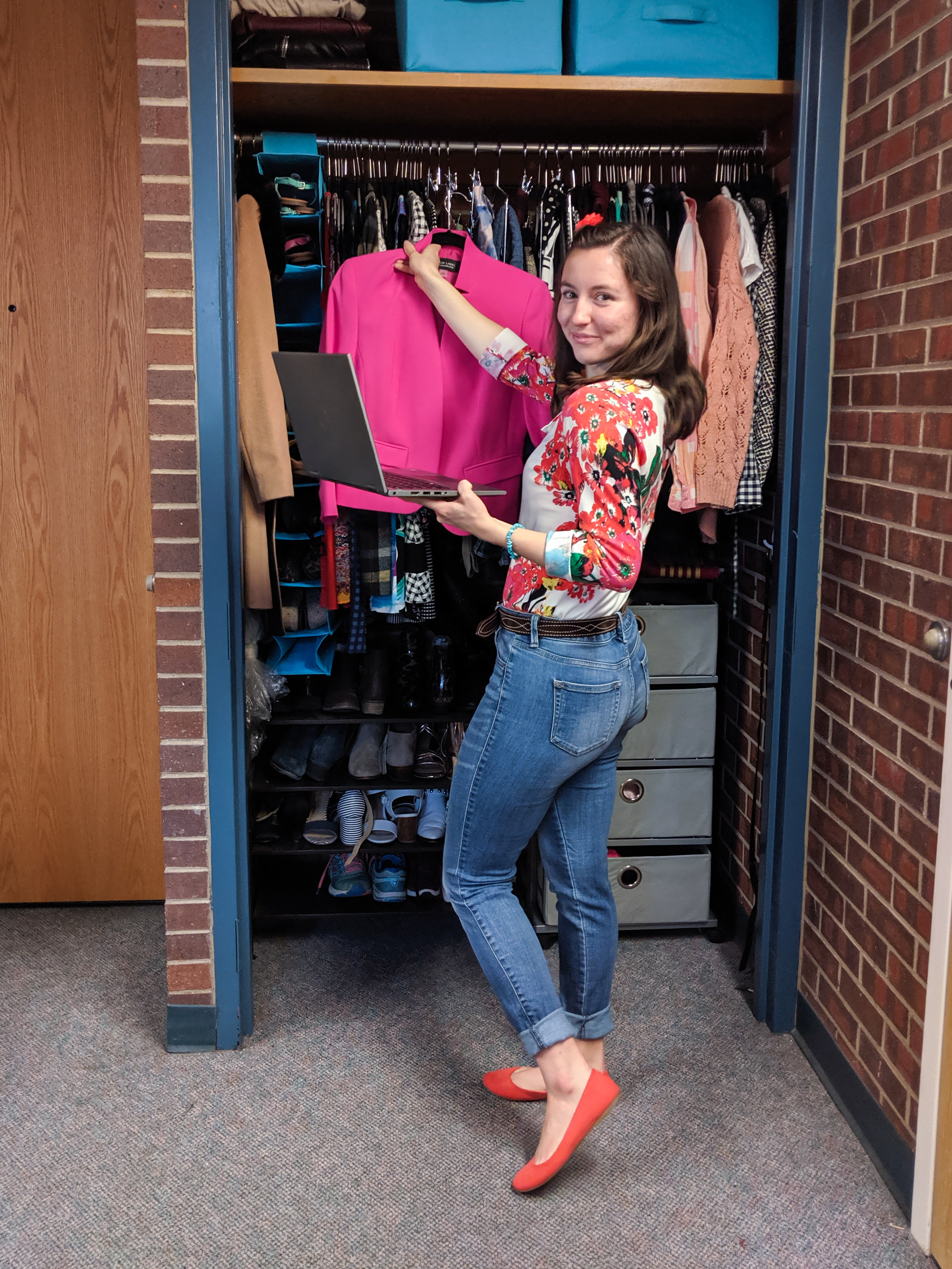
Floral Cardigan: Costco, $20 // Jeans: JCPenney, $25 // Orange Flats: DSW, $13 // Brown Belt: hand-me-down